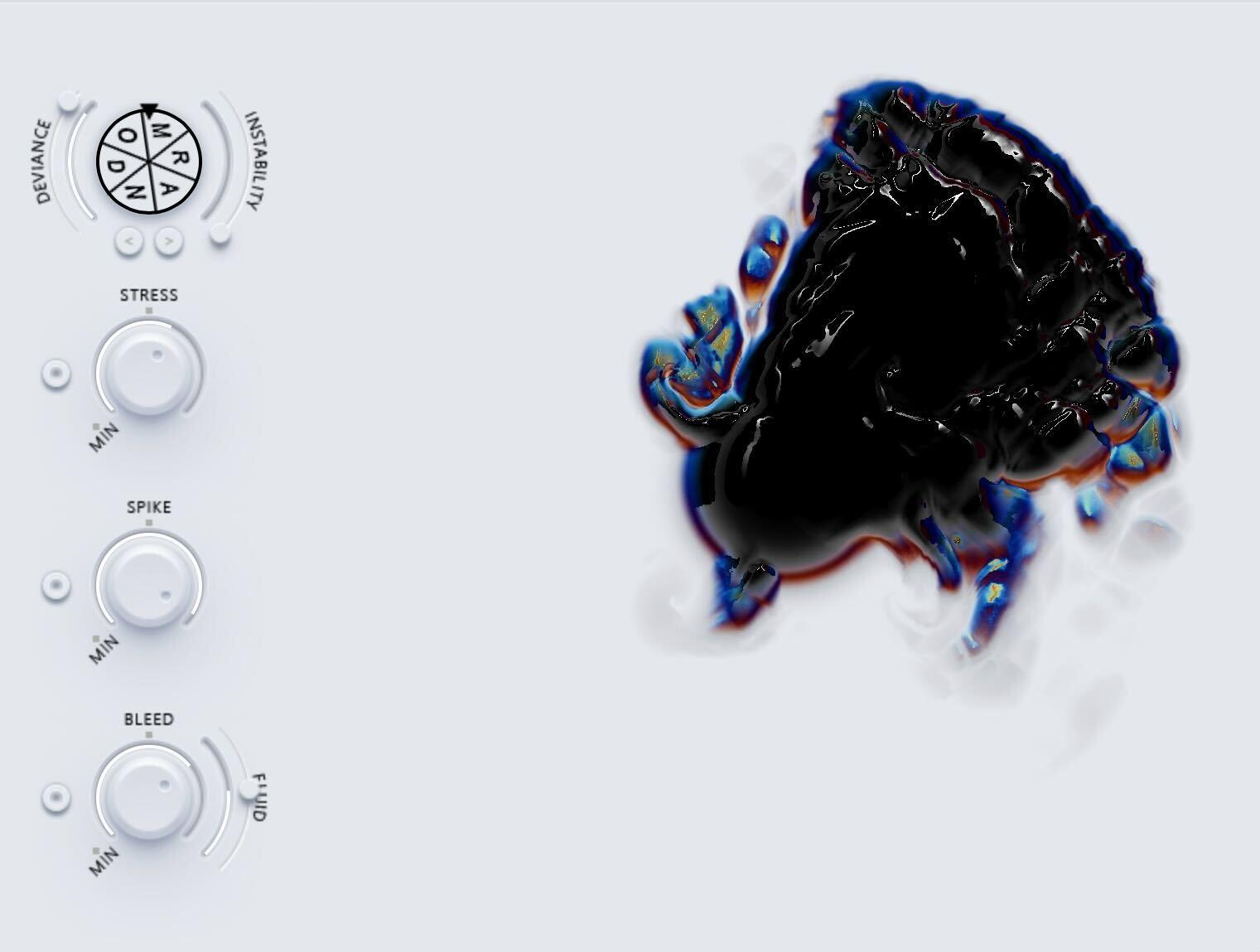
White logo of RANDOM plugin
  • RANDOM

    RANDOM

     129.00
    お買い物カゴに追加

RANDOM creates Infinite Unique Sounds with a single click.

MAKE YOUR

BUNDLE

AND SAVE

BIG

MAKE YOUR BUNDLE AND SAVE

BIG

RANDOM

Plugin

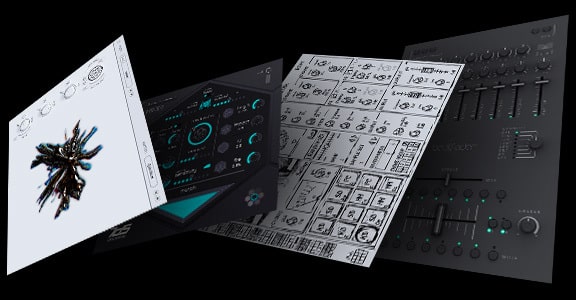
Infinite Sound Generator
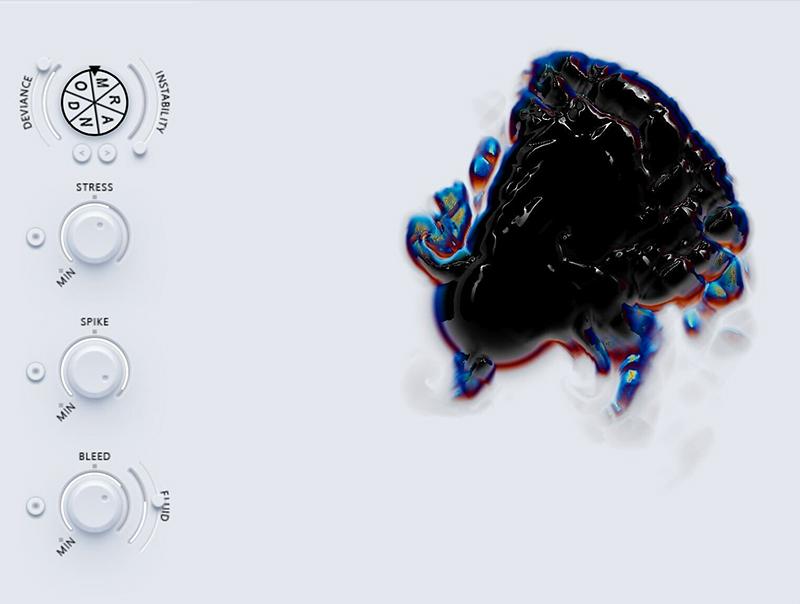
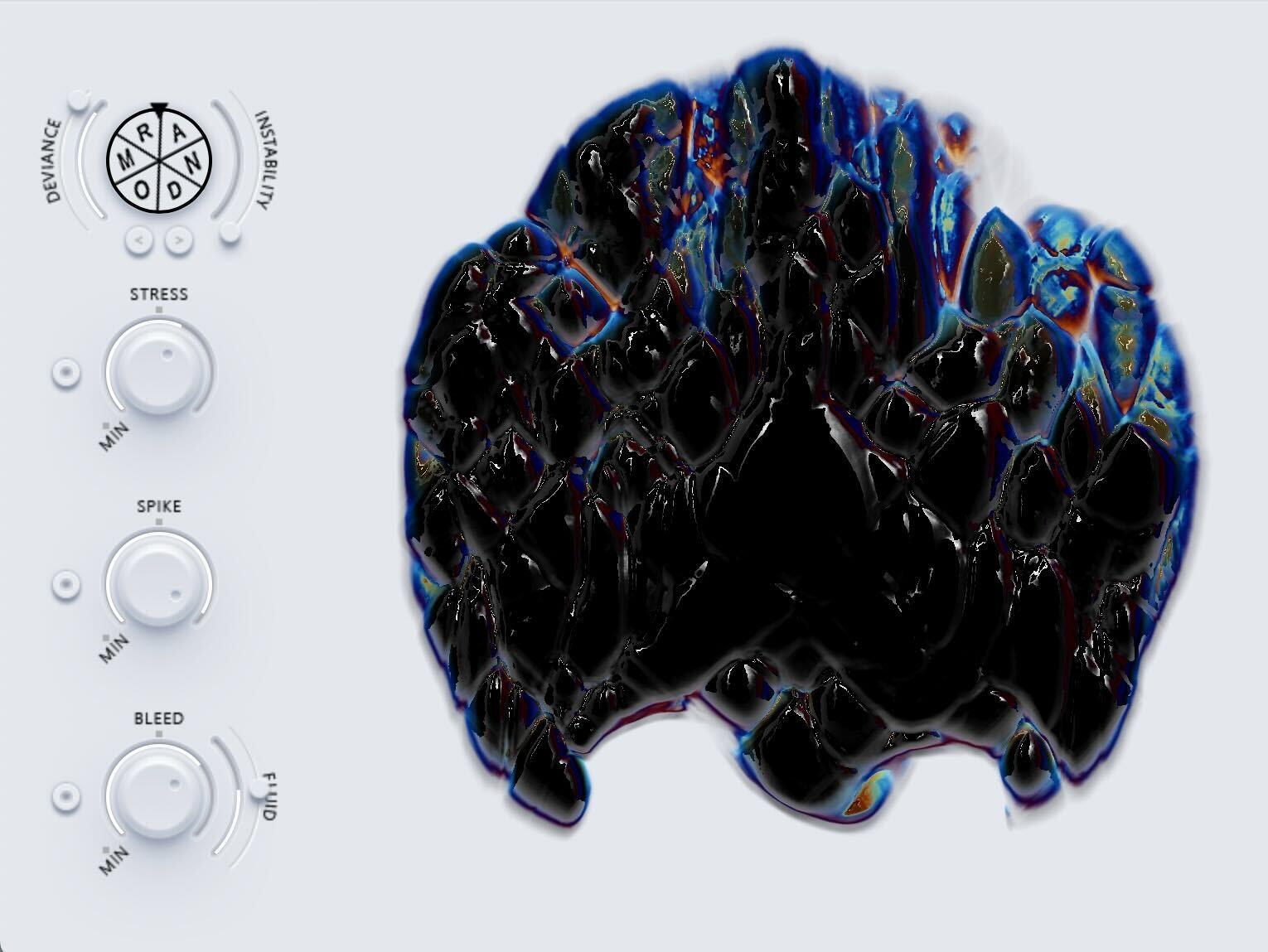
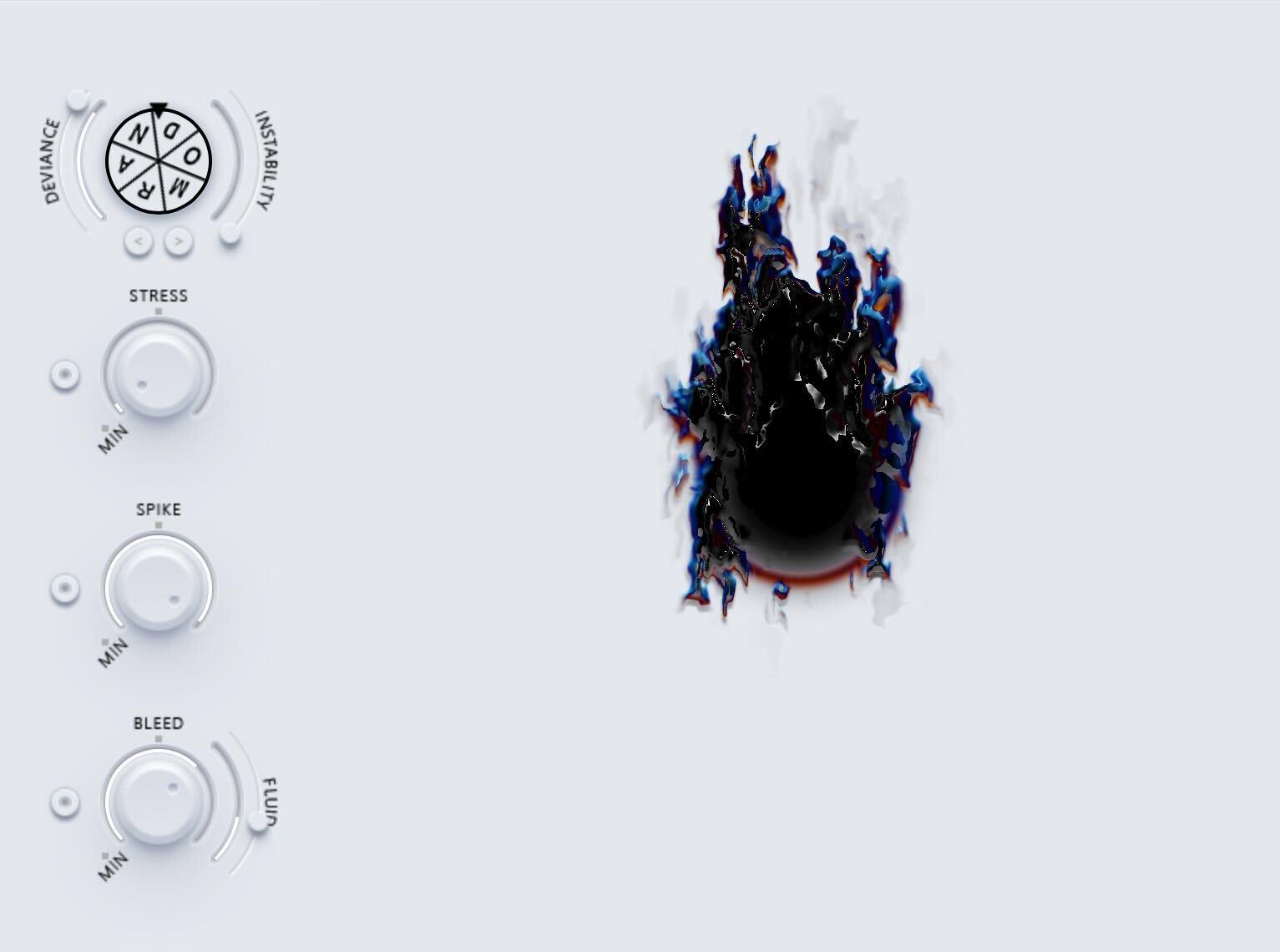
RANDOM Plugin in action

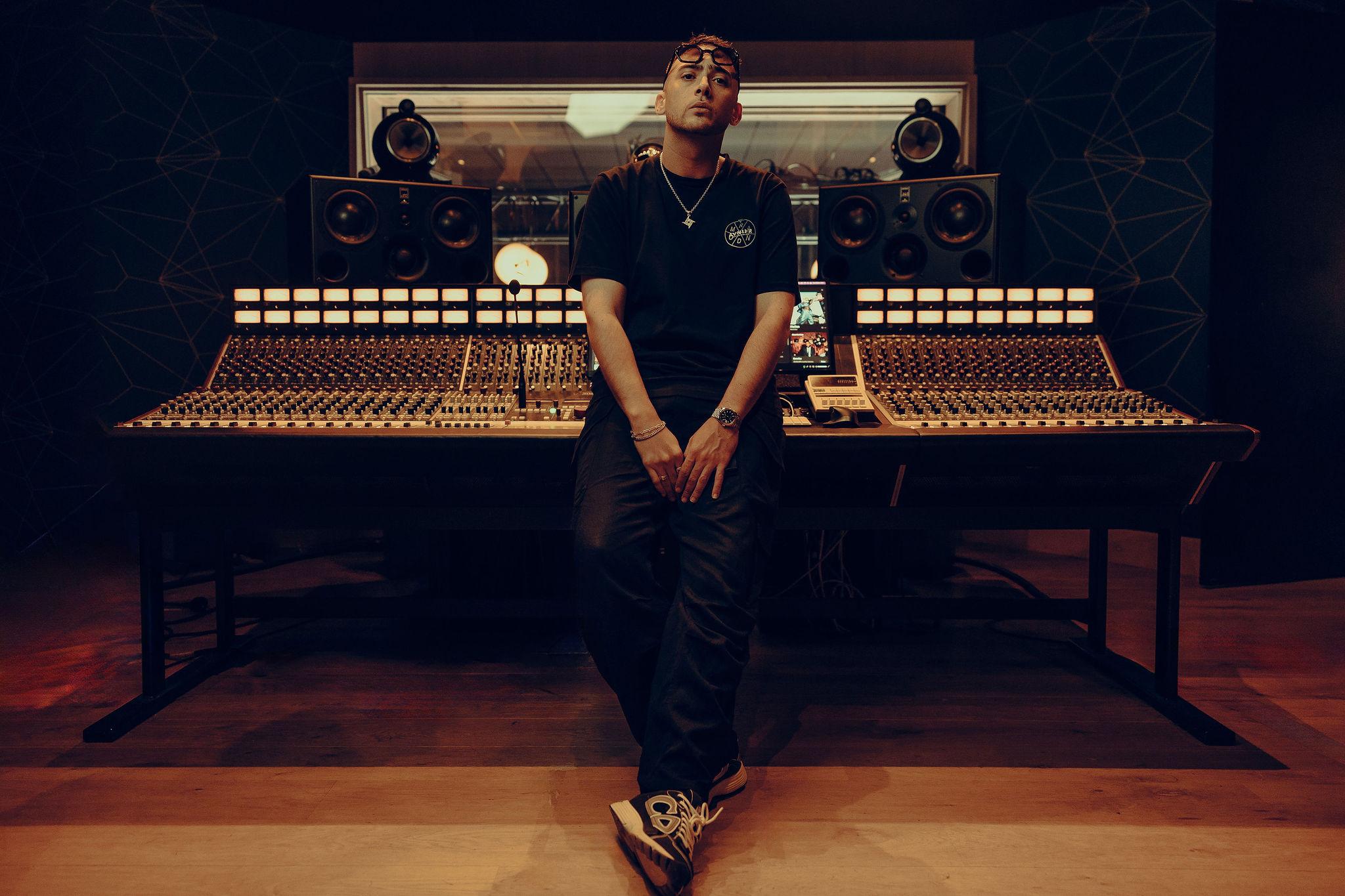
Artists collaboration // Phazz

Born from the visionary minds of Multi-Platinum Producer Phazz and the lauded tech pioneers BEATSURFING, this plugin transcends boundaries, forging a new path in sound design.

RANDOMの無限サウンドスケープがあなたを更なる音楽の高みへ

RANDOM

バンドル

Days
Hours
Minutes
Seconds

No posts found!

For one week only, get the AVNIER x RANDOM collector’s edition
t-shirt bundled with the RANDOM plugin.
Inspired by the plugins use of Ai and neural networks, an algorithm will randomly assigned a color scheme for each AVNIER collector’s edition shirt, making them truly RANDOM.
+
Get the RANDOM plugin and let the limitless soundscape of RANDOM be the catalyst for your next sonic masterpiece.

RANDOM

T-Shirt

Days
Hours
Minutes
Seconds

In collabortation with AVNIER, the audio visual workwear brand founded by Orelsan and Sébastien Strappazzon, we created an exclusive merch drop for the random launch.
For one week only, the AVNIER x RANDOM collector’s edition t-shirt’s are available.
In keeping with the random estetic, ai will randomly assigned a color scheme for each shirt printed, making them truly random.

No posts found!

RANDOM

INSTALLATION REQUIREMENTS

Windows

Windows 10 or later
2GHz Pentium IV processor or equivalent
A host that supports 32-bit or 64-bit VST
最低16MBの空き容量が必要です
Formats: VST, VST3, AAX

macOS

macOS 10.13 High Sierra or later
Intel or Apple Silicon processor
A host application that supports 64-bit VST or AudioUnit
最低52MBの空き容量が必要です
Formats: AU, VST, VST3, AAX

FL studio: Turn on the ‘Use fixed size buffers’ option in the ‘Troubleshooting’ tab of the plugin settings.

Quick FAQ

RANDOMの試用版は提供していませんが、14日間の返金ポリシーがあります。購入後14日以内にRANDOMがワークフローに合わないと感じた場合、理由を問わず簡単に返金をリクエストできます。リクエストは、以下のメールアドレスにご連絡ください。 support@beatsurfing.comその際は、私たちが返金手続きをお手伝いします。

As a valued BEATSURFING customer, once you’ve purchased any of our products, you’re automatically enrolled in our Early Bird Program. This means you’ll always be the first to try out our latest plugins and enjoy exclusive discounts before anyone else. The Early Bird program starts ahead of the public release and ends on the day of the public release.

見逃さないようにするために、ぜひ私たちのメール配信に登録してください。そうでないと、限定オファーを逃してしまうかもです!

はい、可能です!当社ではすべてのプラグインに14日間の返金ポリシーを設けています。購入後14日以内にRANDOMの返金をリクエストしていただければ、理由を問わず対応いたします!

返金リクエストを送信する前に、RANDOMのライセンス登録を解除していることをご確認ください。 RANDOM のライセンスを解除する

リクエストを受け取り次第、処理には最大72時間ほどお時間をいただく場合がありますので、ご了承ください。

ご不明な点がございましたら、遠慮なくサポートチームまでお問い合わせください。 サポートチームに連絡する!

1. BEATSURFING VSTsアカウントからrandom.pkgインストーラーファイルをダウンロードしてください。 BEATSURFING VSTsアカウント ダブルクリックしてインストールプロセスを開始してください。
2.「続ける」をクリック
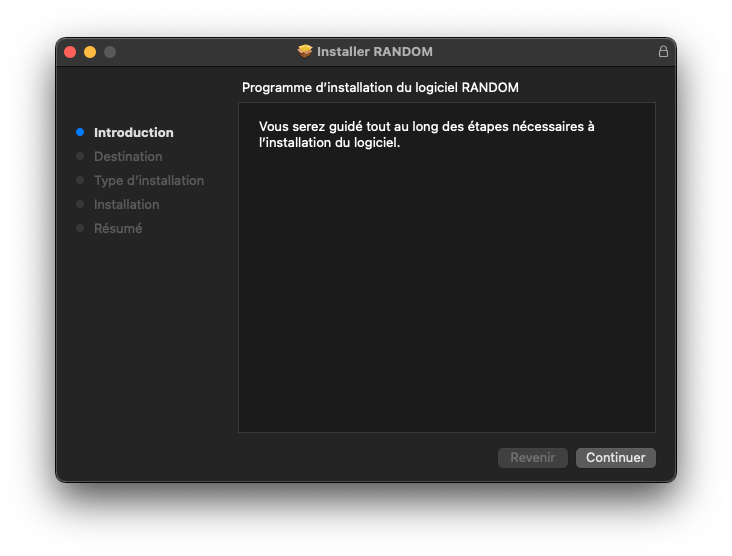
3. インストール先を選択し、「続ける」をクリックしてください。
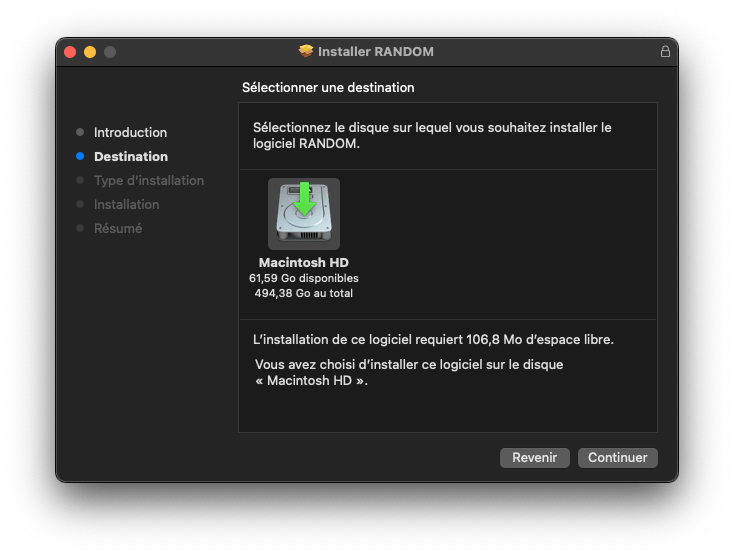
4. インストールするパッケージを選択し、「続ける」をクリックしてください。
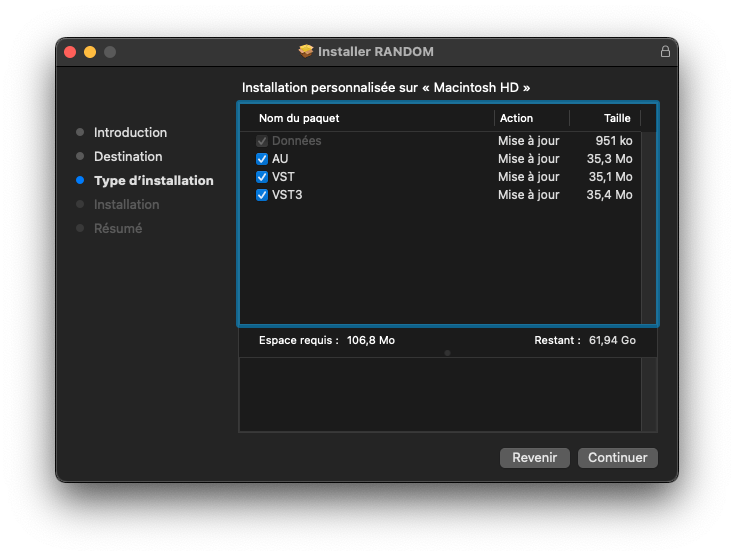
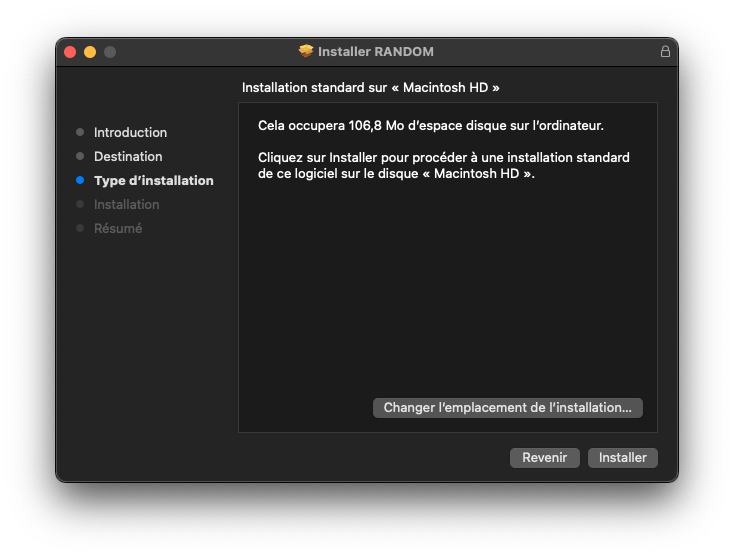
5.「インストール」をクリック
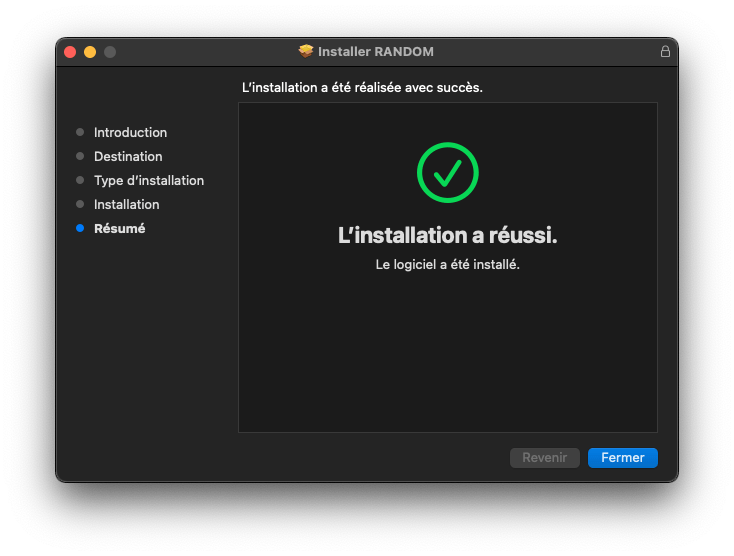
6.「閉じる」をクリックし、コンピュータを再起動してください。
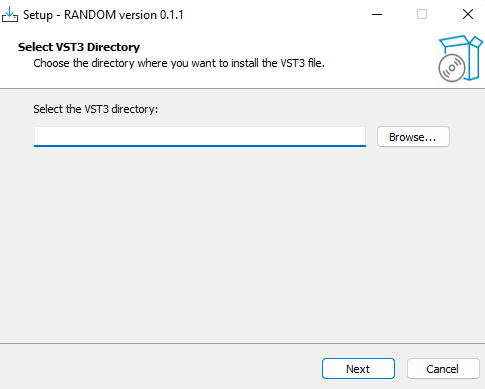
1. random.zip をダウンロードし、インストーラーファイル「random.exe」をお好みのフォルダーに解凍します。 ファイルを開き、VST3をインストールしたい場所を選択して「次へ」をクリックします。
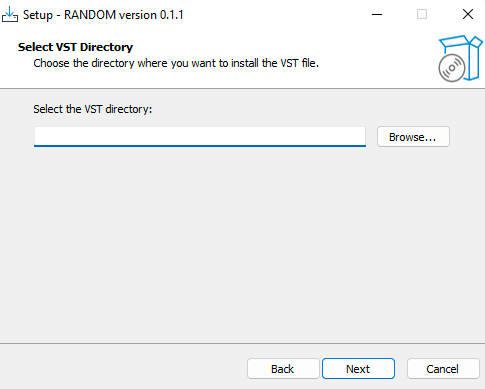
2. VSTも同じ操作を行い、「次へ」をクリックします。
3.「インストール」をクリック
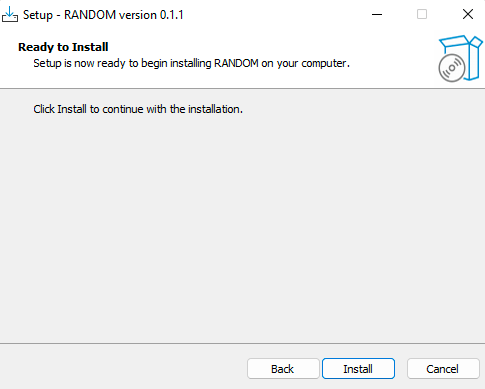
4.「完了」をクリックします
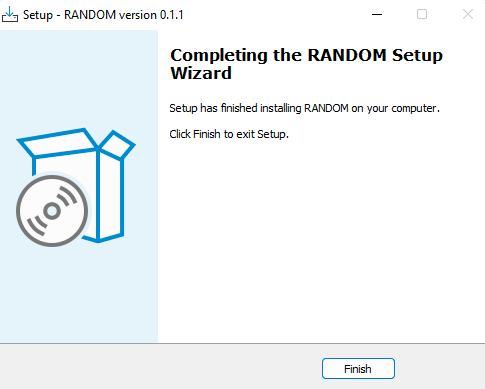
RANDOM Metalを購入後、ライセンスキーが「ライセンスページ」に表示されます。 https://beatsurfing.com/my-license/
注意: 各ライセンスはMac OS またはWindowsのいずれかで 3 デバイスまでアクティベート可能です。
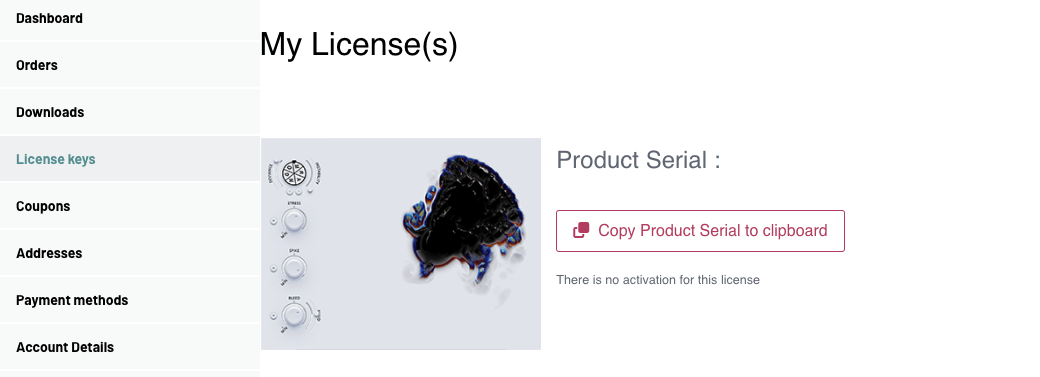
1. ライセンスナンバーをコピーする
2. DAWでRANDOMを起動する
3. VSTを起動する際にライセンスキー番号を入力
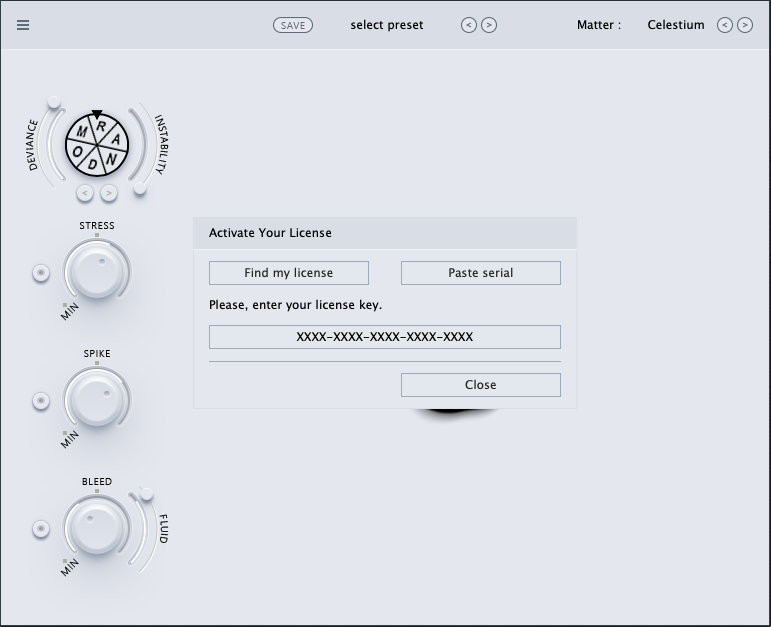
 

ご質問への回答は、ユーザーガイドでご確認いただけます。 RANDOM user guide pdf file.

RANDOM User Guide Cover

お探しの内容が見つかりませんでしたか? ナレッジベースをご確認ください。 それでも回答が見つからない場合は、サポートへメールをお送りください。 support@beatsurfing.com.

Support

Login

BEATSURFING plugins owner?

YOUR COLLECTION HAS PERKS

Log in to see the price linked to your loyalty.

Bought your plugins elsewhere? ライセンスを登録する.
You’ll need an account to register your license.

RANDOM Metal Sample Packをどちらにお送りすればよいですか?