Help center/LØW
User guide
LØW
Everything you need to install LØW and sculpt deep, mix-ready bass with its envelopes.
Welcome
Meet LØW
Shape the depth. Control the motion. Own the low end. LØW is a bass synth plugin designed for deep, expressive, mix-ready low end.
Hand-draw, play and loop envelopes to sculpt the perfect articulation for your track. LØW covers every bass sound, from classic to original, from silky to gritty, from analog to digital.
Key features
- 12 free-hand envelopes
- Draw modulation shapes with total freedom.
- Multiple bass engines
- A wide range of core sound characters.
- DNA
- Explore the mutations of the bass engines.
- Tone shaping
- Dual-band amp envelope.
- Rich preset library
- From clean subs to aggressive growls.
- Compatibility
- VST2, VST3, AU and AAX: works in all major DAWs.
Why LØW
- Evolving tone, not static patches.
- Mix-ready dynamics: draw your low and mid envelopes right in the synth.
- Smart stereo control, fully mono-compatible.
- Same spirit as RANDOM, but laser-focused on bass sounds.
Where to start
Quick start
System requirements
LØW runs as a plugin in your DAW on Windows and macOS.
Windows
- Windows 10
- 2 GHz Pentium IV processor or equivalent
- A host that supports 32-bit or 64-bit VST
- Formats: VST, VST3, AAX
macOS
- macOS 10.13 High Sierra or later
- Intel or Apple Silicon processor
- A host application that supports 64-bit VST or AudioUnit
- Formats: AU, VST, VST3, AAX
Quick start
Installation
Download the installer for your system, run it, then enter your license code the first time you open LØW.
Windows
- Download the LOW_vX.X.X.exe installer file.
- Install to your preferred plugin folder.
- On first launch, enter your license code.
macOS
- Download the LOW_vX.X.X.pkg installer file.
- Follow the steps to install. The plugins are installed to the default location: /Library/Audio/PlugIns.
- On first launch, enter your license code.
After purchasing LØW, your license key appears on your Licenses page: beatsurfing.com/my-account/license-keys.
Quick start
Activating & deactivating the license
Each license you buy lets you activate the plugin on 3 computers at a time.
If you need to run it on another machine, first deactivate the plugin's license on one of your machines.
When a license is deactivated
Your plugin is still usable, but in a frozen state: your existing sessions will load the plugin and its parameters in their last saved state. However, you won't be able to access the user interface to tweak its parameters.
Using LØW
Global controls
These controls affect the overall behavior of the LØW instance.
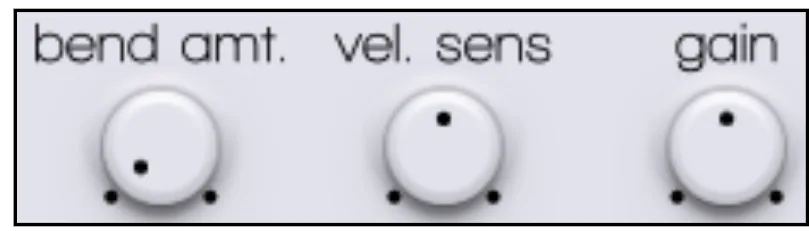
- Bend amount
- Sets the sensitivity and range of your MIDI controller's pitch bend wheel.
- Velocity sensitivity
- How much the incoming note velocity (how hard you press the key) affects the sound's parameters, such as volume or filter cutoff.
- Gain
- The main output gain: the final volume of the plugin before it leaves the channel.
- Dark / light mode
- Click the moon or the sun to switch between the dark and light interface.

Using LØW
Envelopes
The 12 free-hand envelopes are the heart of LØW's sound shaping. Each one can be shaped in three ways.
- Hand sculpting
- Click and drag over the envelope display to draw any shape you can imagine.
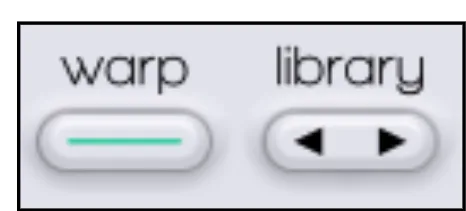
- Shape library
- Cycle through a variety of useful preset shapes as a starting point.
- Warp mode
- Turn on Warp to lock the current shape: clicking and dragging now warps and bends the whole envelope while keeping its core character. Switch Warp on and off to alternate between drawing and warping.
Looping
With looping on, holding a note plays the envelope from start to finish, then loops the section between the loop markers.
- Loop markers
- Drag the sliders at the bottom of the envelope display to set the section to loop.
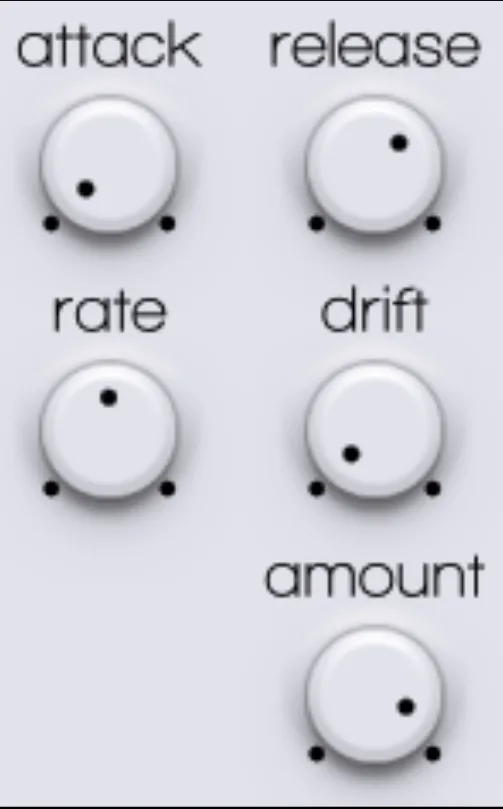
- Amount
- Intensity of the envelope: no effect at 0%, full modulation at 100%.
- Attack
- How long the modulation takes to ramp up to its initial peak.
- Release
- How long the modulation takes to fade out after the note is released.
- Rate
- Speed of the envelope, including the playback speed of the looped section.
- Drift
- Adds subtle random variations to the loop playback: an organic, analog-style instability that makes your basslines feel less static and more alive.
Using LØW
Modifiers
This global section shapes all 12 envelopes at once.

- Depth
- “Fractalizes” the envelopes: the higher the depth, the more often the envelope line is cut and displaced, adding complexity and jaggedness.
- Offset
- Offsets the fractal pattern applied by Depth, so you can find a sweet spot in the complex modulation.
- Smooth
- Softens sharp edges and jaggedness, whether drawn or created by Depth.
- Contrast
- Makes the shapes more extreme: low points lower, high points higher.
Try it
- Draw a simple, straight horizontal line in an envelope.
- Slowly turn Depth up from 0 to 10.
- Watch the line become more and more jagged and complex.
Using LØW
Oscillator view
Switch between LØW's two main editing pages with Oscillator and Filters, at the top left of the plugin.
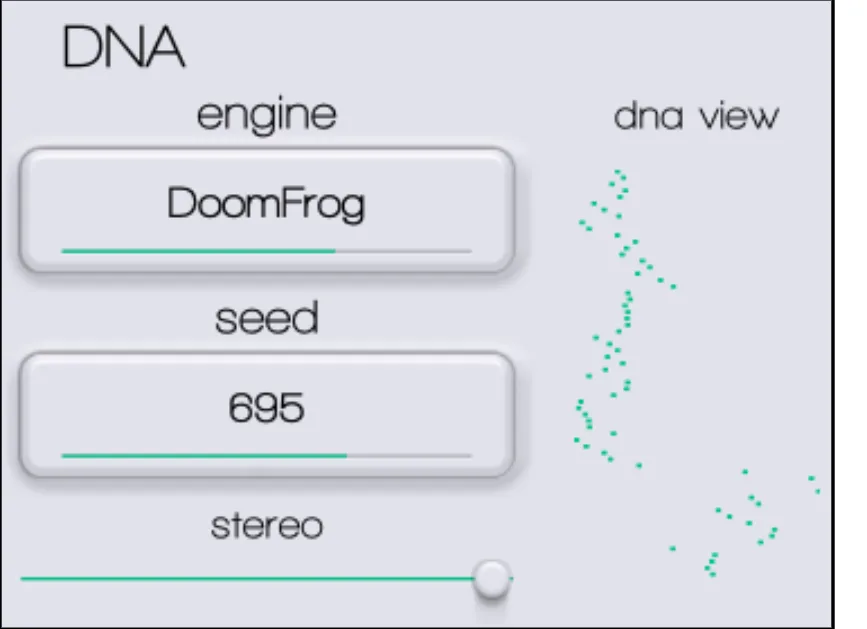
DNA
The DNA section is the core of the synth.
- Engines
- Switch between LØW's synth engines, each with its own foundational bass character.
- Seed
- A variation of the selected engine's internal parameters, pictured in the DNA view.
- Stereo
- Stereo width of the sound.
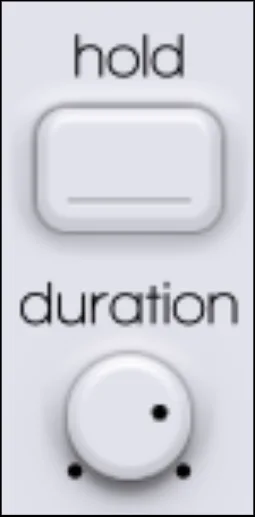
Pitch hold
The button in the middle of the pitch envelopes selects Gate or Hold mode.
- Gate: the envelope loop continues as long as the note is held.
- Hold: the envelope loop plays for a fixed time, set by the Duration knob.
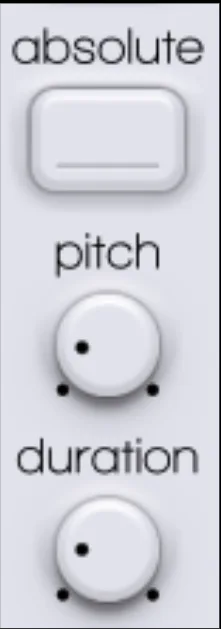
Pitch impact
Draw and control the initial impact of the pitch: perfect for percussive “thwacks” or “zaps” at the start of a note, in the classic 808 style.
- Pitch
- Amount of pitch impact applied by the envelope.
- Duration
- Duration of the pitch impact envelope.
- Type
- Absolute: the impact goes up to a fixed pitch. Relative (default): the impact is relative to the note you play.
Pitch drop
This envelope controls the pitch drop. Pitch sets the amount of the drop, Duration how long it takes.
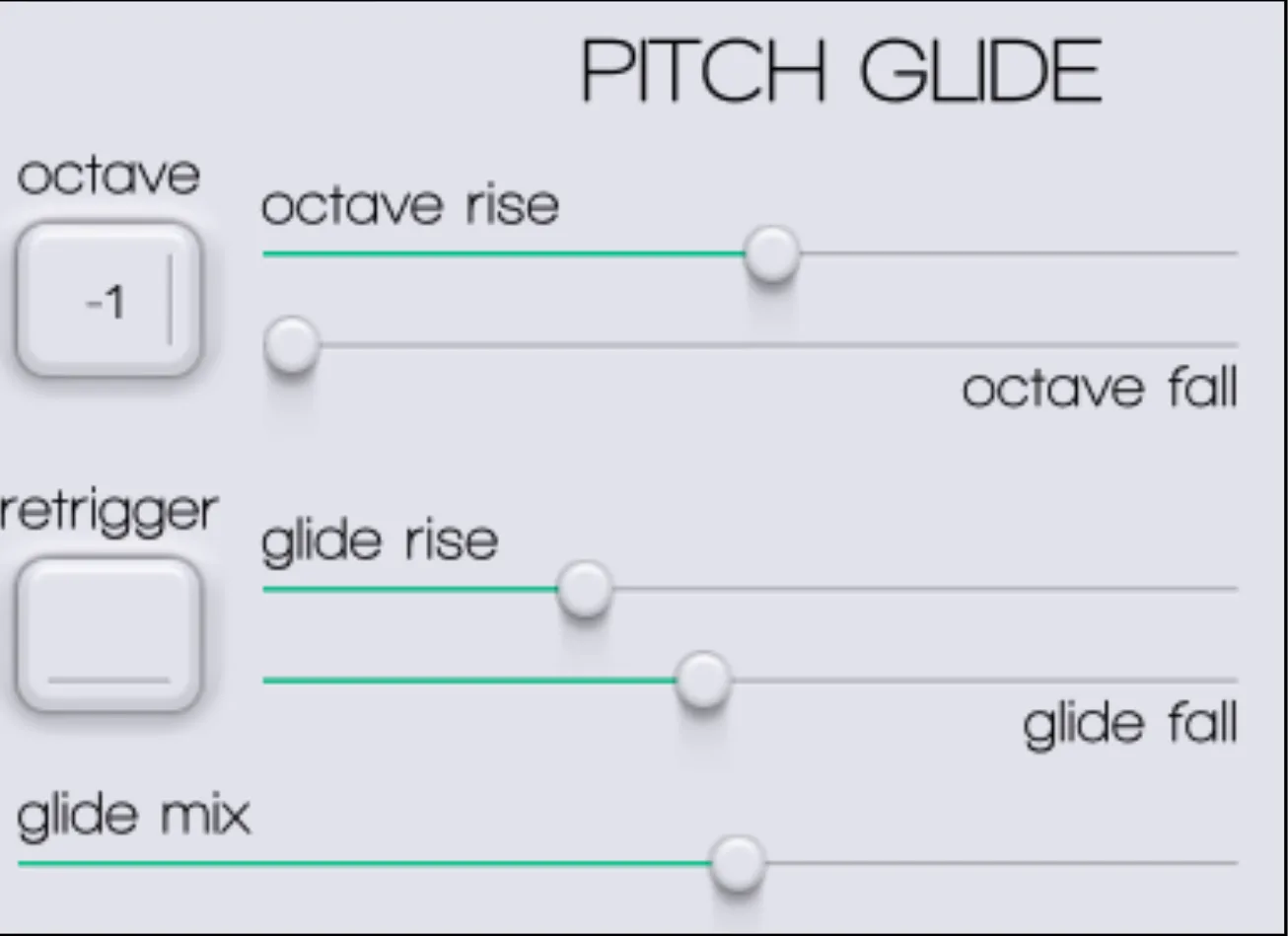
Pitch glide
Glide (portamento) slides smoothly between notes. LØW's glide controls are built for expressive playing, like a fretless bass.
- Octave rise / fall
- Offset of + or − 1 octave, and the time the pitch takes to ramp up or down to it.
- Retrigger
- Retriggers the glide envelope on every incoming note, even when you play legato.
- Glide rise / fall
- Speed of the glide, set separately for gliding up to a note (rise) and down to a note (fall).
- Glide mix
- Overall dry/wet of the glide effect between notes.
Oscillator envelopes
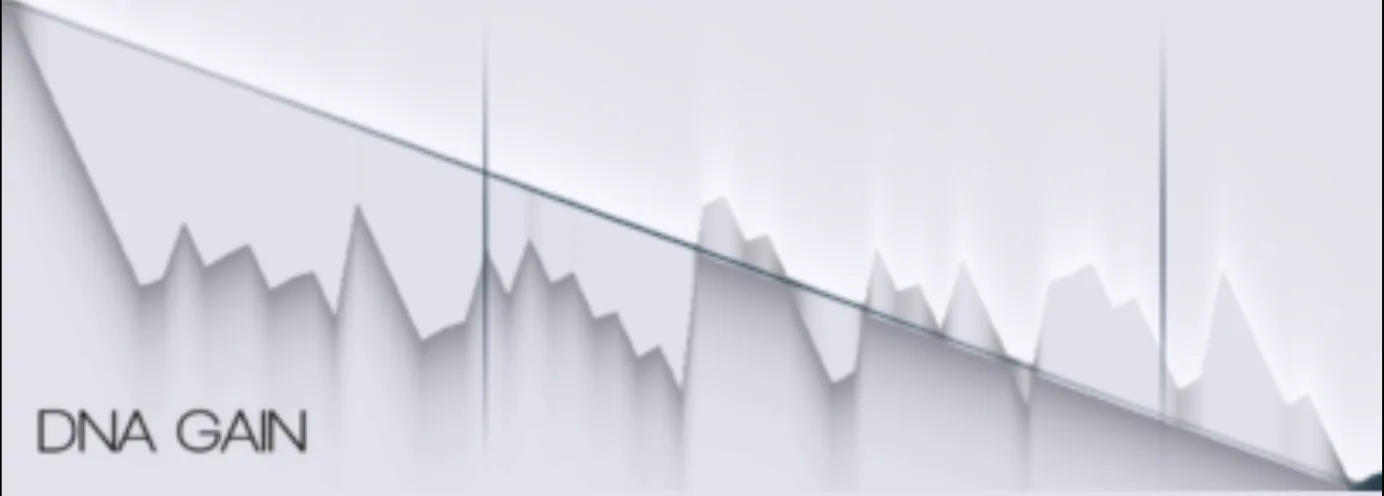
- DNA gain
- Volume of the DNA engine before the filter section: dynamic volume changes, plucks or swells at the core of the sound.
- DNA mutate
- Modulates the DNA Seed: complex shapes create evolving timbres that “mutate” over time.
- Color
- Modulates a timbral parameter specific to each DNA engine, like the tone or brightness of the oscillator: add grit, warmth or digital character.
- Bottom
- Shapes the sub-bass or fundamental frequencies: the weight and punch of your bassline, separately from the body of the sound.
Using LØW
Filter view
Click Filters at the top left of the plugin to open the filter section.
Crossover filter
The crossover filter splits the sound into two bands, high and low, so you can process them independently.
- High & low frequency
- Set the crossover points between high and mid, and between mid and low, manually.
- High & low ratio
- Set the crossover points relative to the note's root frequency, so they track your keyboard.
- Mix
- Blends Frequency and Ratio: at 0% only Ratio is used, at 100% only Frequency, in between both are interpolated.
The widget below the settings shows the crossover points.
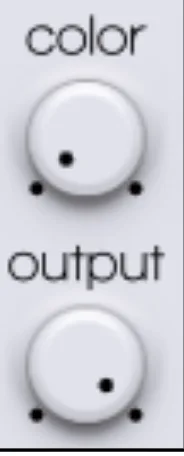
Two master knobs sit in the middle of the filter envelopes:
- Color: color and timbre of the impact part of the sound.
- Output: gain of the impact part of the sound.
Filter envelopes
The oscillator splits into high and low bands at the crossover point. You control the amplitude of each band separately for the Impact (the initial transient) and the Body (the sustaining part) of the sound.
- Filter impact / body
- Control the filter cutoff: Impact shapes the click or pluck of the filter, Body the sustain and decay. For a classic plucky bass, try a fast, sharp Impact and a shorter Body.
- High impact / body
- Dynamics of the frequencies above the crossover: sizzle and attack at the start of a note (High Impact), air and presence as it decays (High Body).
- Low impact / body
- Dynamics of the frequencies below the crossover, the key to a mix-ready sound: Low Impact controls the thump of the sub, Low Body its sustain, to keep your mix clear of mud.
Help
Support
Can't find your answer in this guide? Everything else is in the BEATSURFING Help center.
Contact us
Thanks for supporting us. Don't hesitate to reach out with any questions or ideas: send us a message from the Help center.
The BEATSURFING team
 Login with Google