

Is there a trial version available for RANDOM?
While we don’t offer trial versions of RANDOM, we do have a 14-day return policy. If you find that RANDOM doesn’t fit your workflow, you can easily request a refund within 14 days of purchase—no questions asked! Just email us at support@beatsurfing.com, and we’ll be happy to assist you with the process.
What is the 'Early Bird Program' ?
As a valued BEATSURFING customer, once you’ve purchased any of our products, you’re automatically enrolled in our Early Bird Program. This means you’ll always be the first to try out our latest plugins and enjoy exclusive discounts before anyone else. The Early Bird program starts ahead of the public release and ends on the day of the public release.
To make sure you don't miss out, ensure you're signed up for our email updates—otherwise, these exclusive offers might slip by!
Can I get a refund for RANDOM?
Yes, you can! We offer a 14-day refund policy for all our plugins. If you request a refund for RANDOM within 14 days of your purchase, we’ll process it—no questions asked!
Before you submit your refund request, please ensure that you unregister your license for RANDOM.
Once your request is received, please allow up to 72 hours for processing.
If you have any further questions, feel free to contact the support team!
Install... for macOS
1. Download random.pkg installer file from your BEATSURFING VSTs account and double-click it to begin the installation process.
2. Click 'Continue'
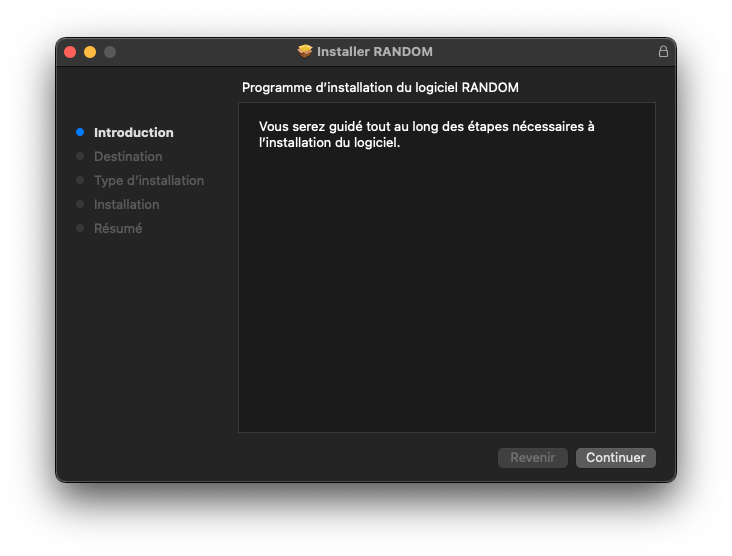
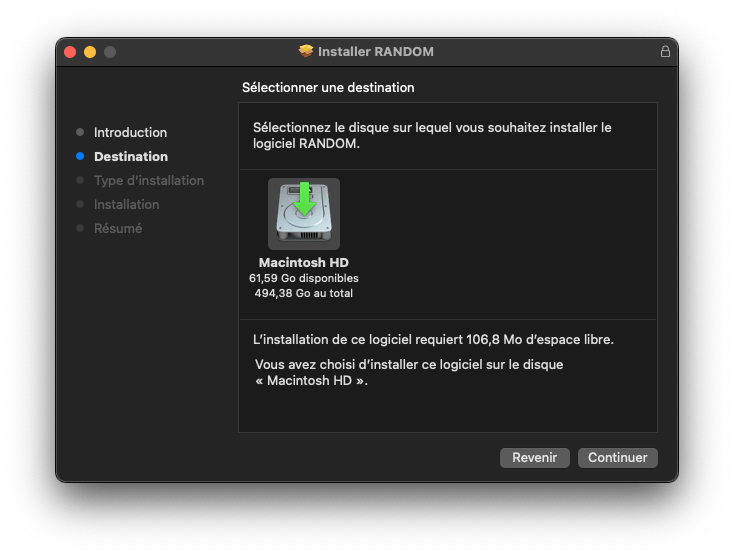
3. Select the destination and Click 'Continue'
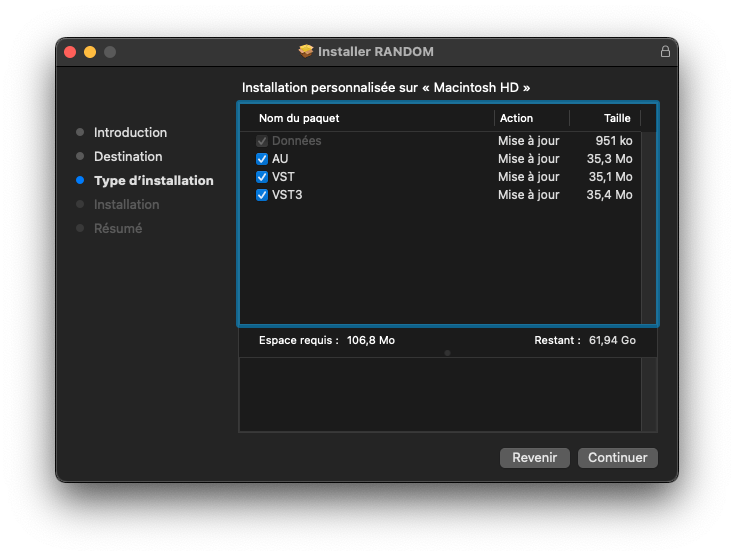
4. Select the package you want to install and click 'continue'
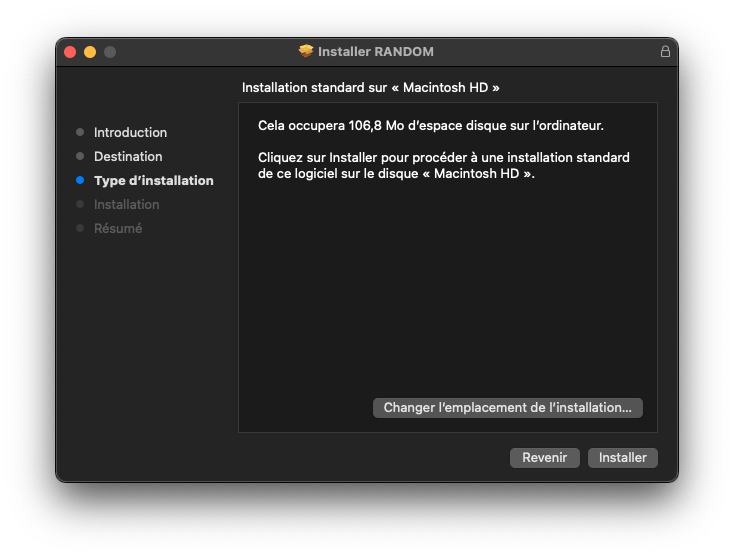
5. Click 'Install'
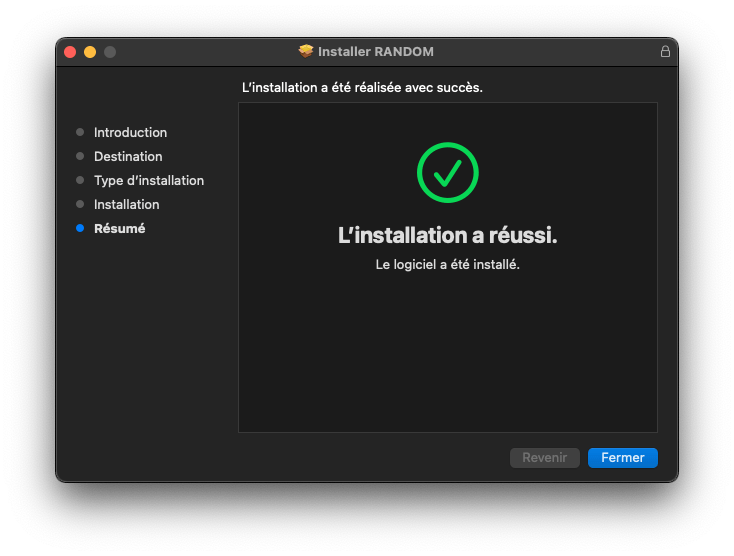
6. Click 'Close' and restart your computer
Install... for Windows
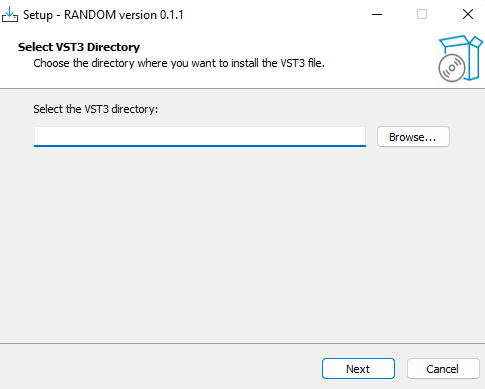
1. Download random.zip and unzip the installer file "random.exe" to a folder of your liking. Open it and choose the location where you want to install the VST3 and then click 'Next'
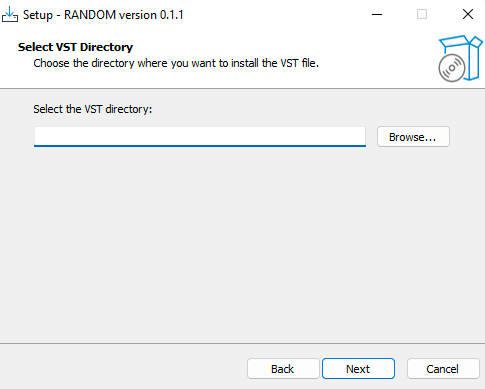
2. Do the same for VST, then click 'Next'
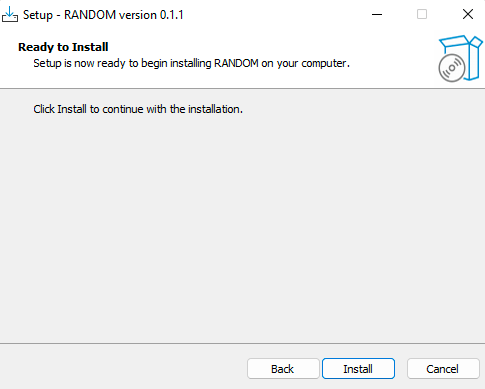
3. Click 'Install'
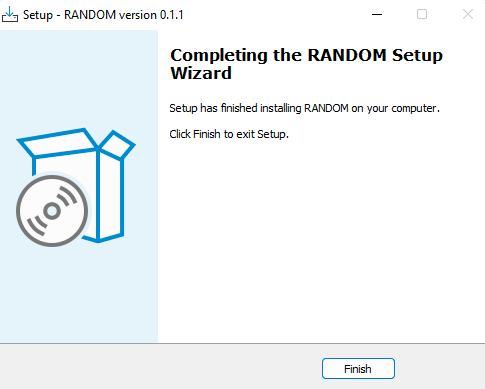
4. Click 'Finish'
Activate it on 3 devices
After purchasing RANDOM your License key appeared on your Licenses page: https://beatsurfing.com/my-license/
Note: Each license can be activated on 3 devices either for macOS or Windows.
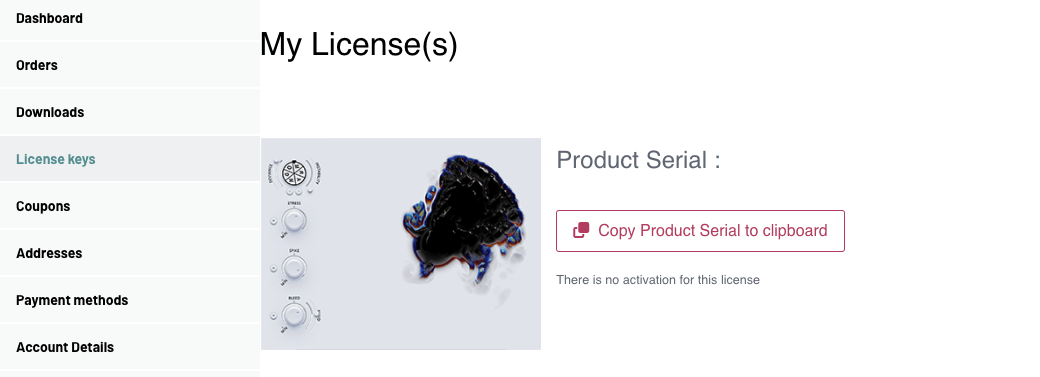
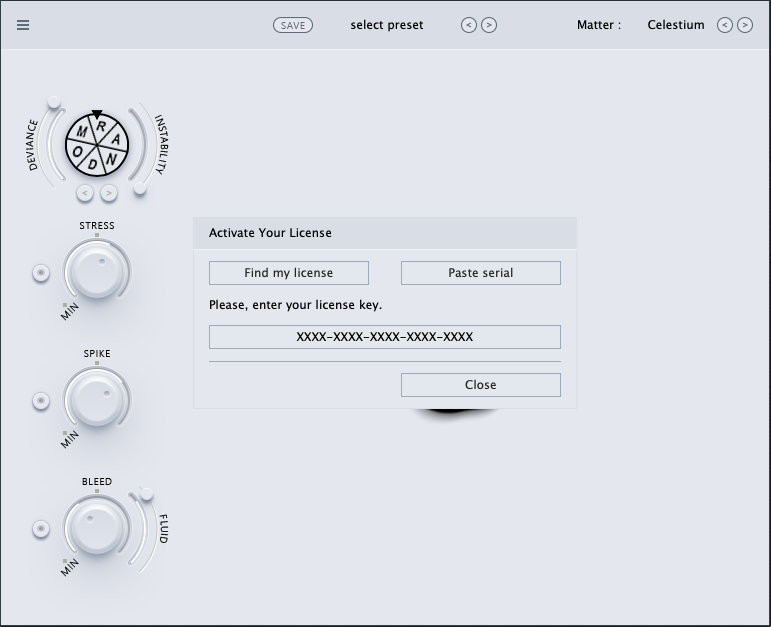
1. Copy your License number
2. Open RANDOM from your DAW
3. Enter your license key number while launching the VST
User Guide
Find answers to your questions in our RANDOM user guide pdf file.
Didn't find what you were looking for? Check our knowledge base and if you don't find your answer send an email to support@beatsurfing.com.
 Login with Google